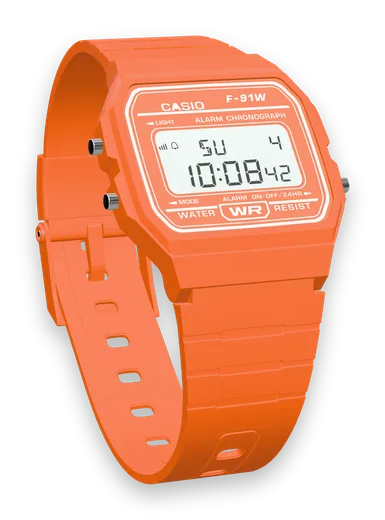
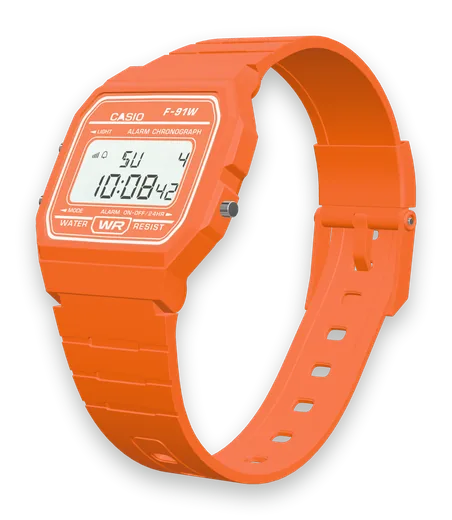
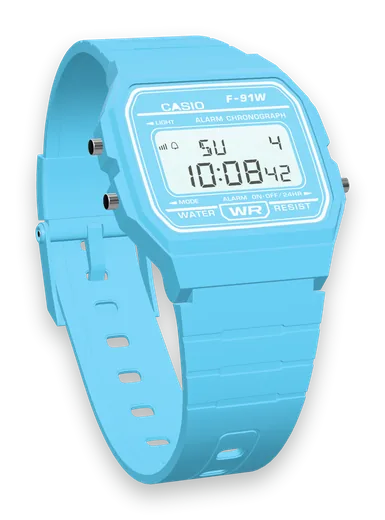
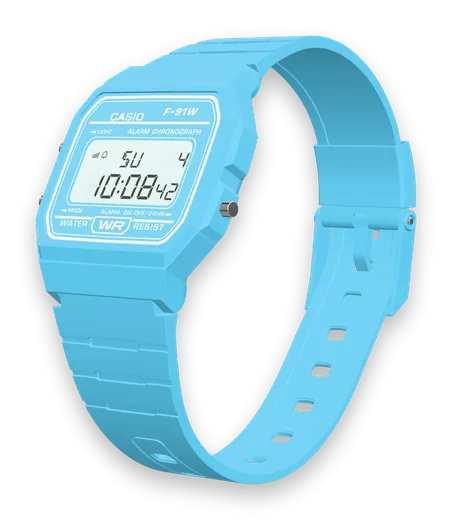
how-to · 2 min read
How to set the time on a Casio F-91W (and the alarm, stopwatch and 24-hour mode)
Step-by-step: set the time and date on a Casio F-91W, switch 12/24-hour, set the daily alarm, turn the hourly chime on, and use the stopwatch.
By the F91W team ·
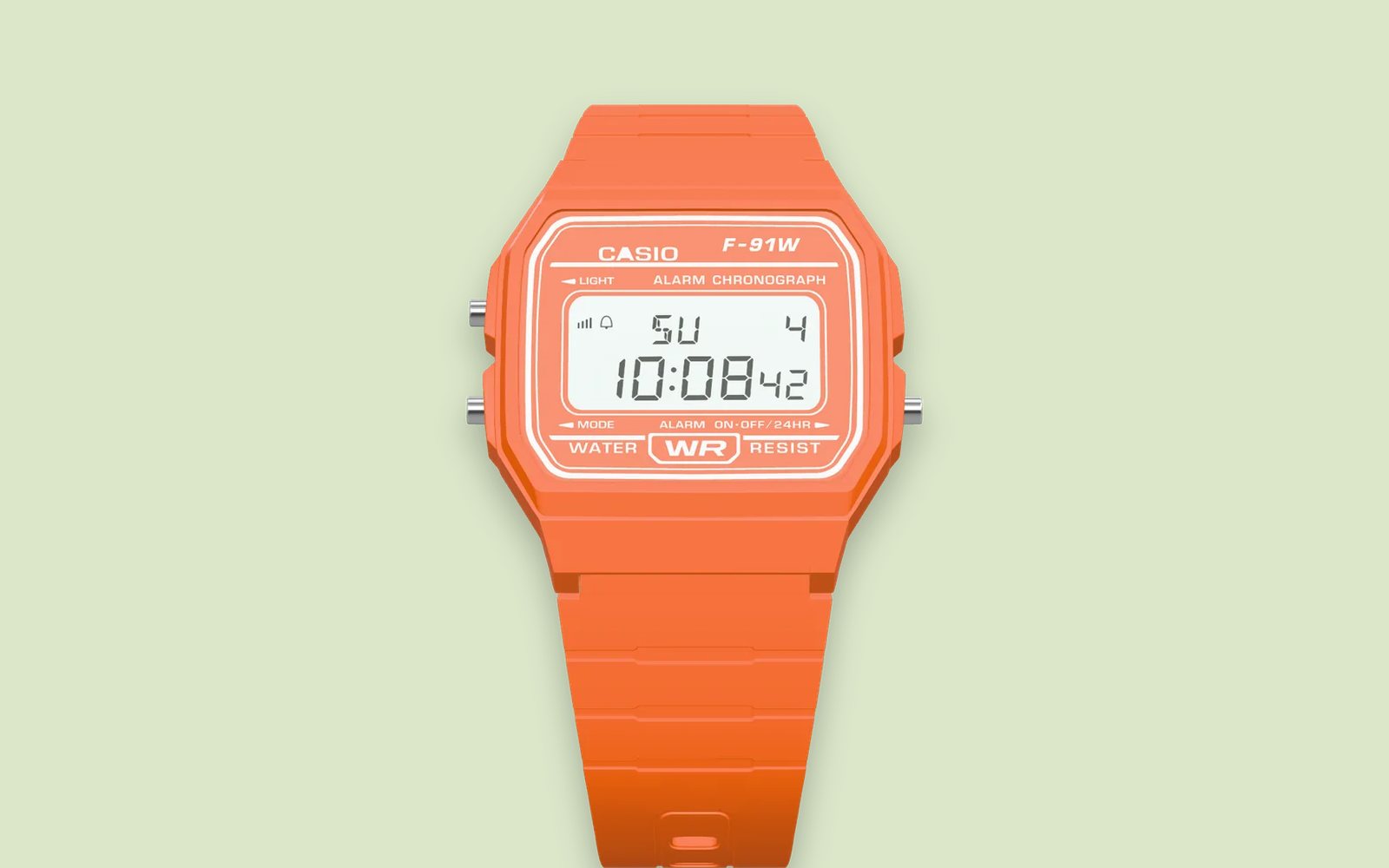
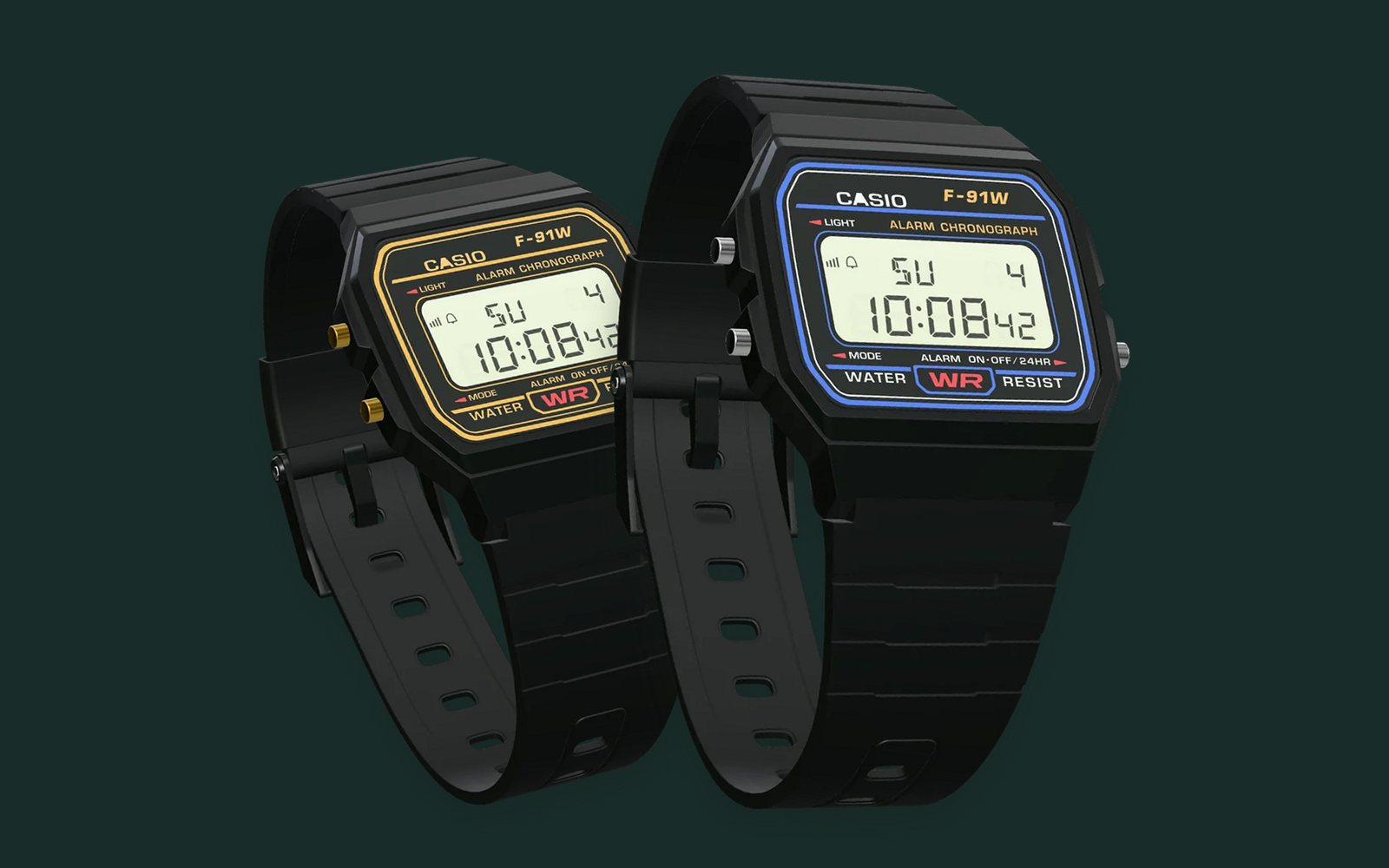
Setting a Casio F-91W takes about a minute once you know which button does what. Every F-91W, F-91WB, F-91WC and F-91WG runs the same Casio module 593, so these steps work for all of them.
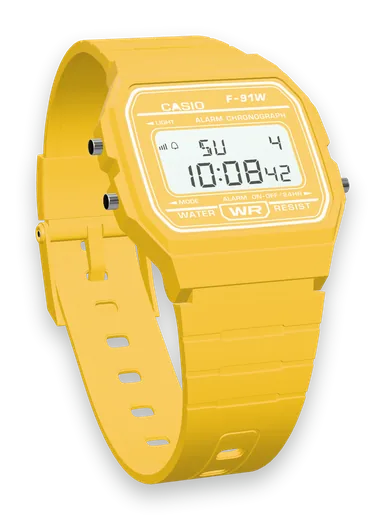
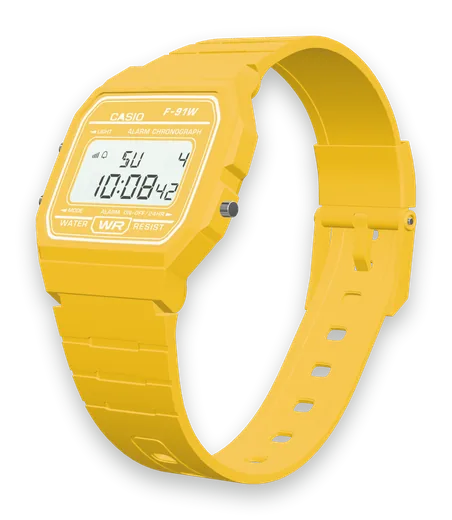
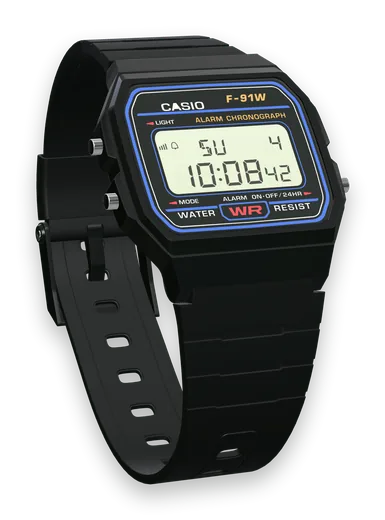
Know your three buttons
Hold the watch face up:
- L, upper left (LIGHT): turns on the light. In setting modes it moves to the next digit.
- C, lower left (MODE): changes modes. In setting modes it exits.
- A, right (ALARM ON·OFF / 24HR): changes the flashing value and starts or stops the stopwatch.
Pressing C cycles through the modes in this order: Timekeeping → Alarm → Stopwatch → Time setting → back to Timekeeping.
How to set the time and date
- From the normal time display, press C three times. The seconds start flashing.
- Press A to reset the seconds to 00. Do it on the beep of a time signal for a perfect sync.
- Press L to move to the hours. Press A to step the hour forward. Watch the PM indicator in 12-hour mode.
- Press L to move to the minutes, then A to change them.
- Keep pressing L to move through the month, date and day of the week, changing each with A.
- Press C to save and return to the time.
Holding A for about two seconds scrolls the digits quickly.
How to switch between 12-hour and 24-hour time
In the normal time display, press A once. The watch toggles between 12-hour (with a PM indicator) and 24-hour format.
How to set the daily alarm
- Press C once to enter Alarm mode. The display shows AL.
- Press L. The alarm hour flashes. Press A to change it.
- Press L again to move to the minutes, then A to change them.
- Press C to finish.
The alarm sounds once a day at that time, for about 20 seconds. Press any button to stop it.
How to turn the alarm and hourly chime on or off
While in Alarm mode (not setting it), press A repeatedly. You cycle through the combinations of alarm on/off and hourly time signal on/off. A small indicator on the display shows which is active. Press C to go back to the time.
How to use the stopwatch
- Press C twice to enter Stopwatch mode.
- Press A to start, and A again to stop.
- While running, press L for a split time. Press L again to release the split.
- When stopped, press L to reset to zero.
The stopwatch counts in 1/100 of a second up to 59:59.99.
How to turn on the light
In the normal time display, press and hold L. The light stays on while you hold the button.
Troubleshooting
- Display is dim, or the light barely glows: the battery is getting low. See our guide to changing the F-91W battery.
- Seconds are flashing and nothing makes sense: you are in time setting mode. Press C to exit.
- Wrong day of the week: re-enter time setting and keep pressing L past the date to reach the day.
Steps follow Casio’s module 593 quick operation guide.